Smartphones have become an essential part of everyday life, helping us manage communication, work,…
Read More

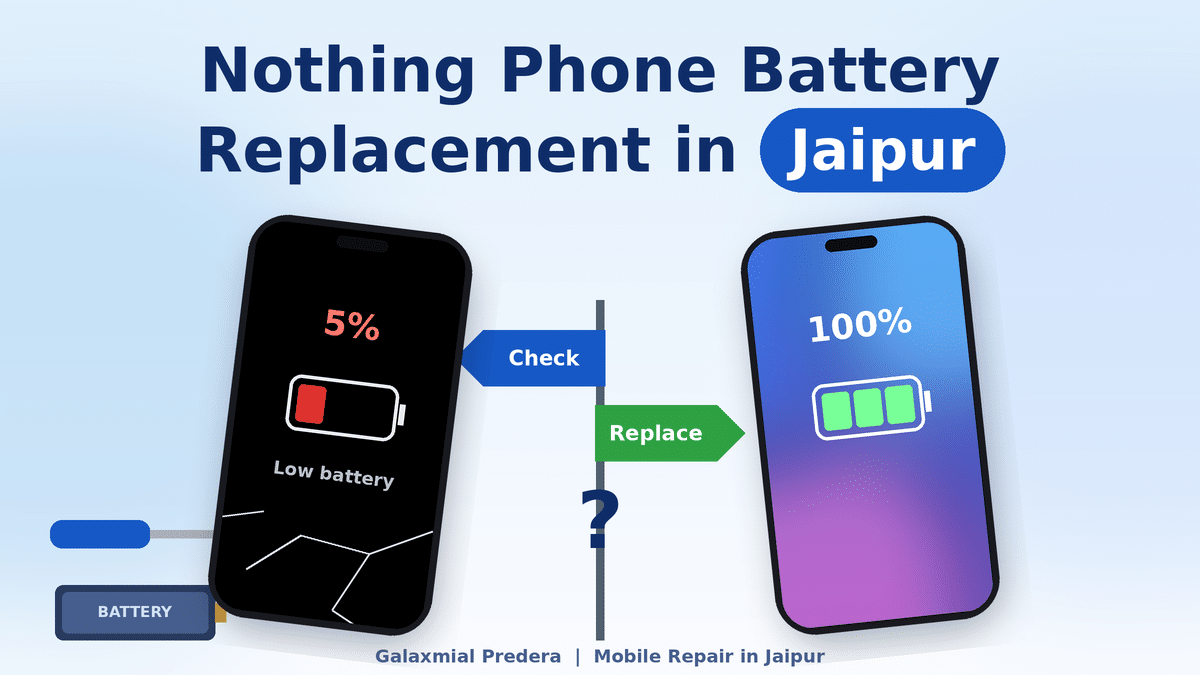
Nothing Phone battery replacement in Jaipur becomes necessary when the battery can no longer last through your day.
Nothing Phones have earned attention for their transparent design, Glyph Interface and clean software experience. However, like every smartphone, the battery gradually loses capacity with daily use. A phone that once lasted a full day may start needing frequent charging, shutting down unexpectedly, or running warm.
When this happens, many users wonder whether the battery needs replacement or whether the problem lies elsewhere in the phone.
The answer depends on the battery’s condition, the phone’s charging system, software behaviour, and the health of other components. In many cases, a professional battery replacement can restore everyday usability without the need to buy a new device.
This guide explains when a Nothing Phone battery should be replaced, what to check before the service, and how to choose a reliable repair provider in Jaipur.
Why Does a Nothing Phone Battery Lose Capacity?
Rechargeable lithium-ion batteries wear down with every charge cycle. Several everyday habits can speed up the process:
- Charging overnight or keeping the phone plugged in at 100% for long periods
- Using low-quality chargers or damaged cables
- Heavy gaming, long video streaming, and extended hotspot use
- Exposing the phone to direct sunlight or a hot vehicle
- Frequently draining the battery to 0%
7 Signs Your Nothing Phone Needs a New Battery
Not every battery complaint means replacement is necessary. However, these warning signs deserve attention.
1. The Battery Drains Unusually Fast
If your phone loses charge much faster than it did earlier, even with normal use, the battery may have lost a large part of its original capacity.
2. The Phone Switches Off Despite Remaining Charge
A phone that shuts down at 20% or 30% may have a weak battery that can no longer deliver stable power.
3. Charging Becomes Slow or Inconsistent
Very slow charging, or a battery percentage that rises and falls while charging, can indicate battery deterioration or a charging-related fault.
4. The Phone Overheats During Normal Use
Occasional warmth during gaming or fast charging is normal. Persistent heat during ordinary use should be checked by a professional.
5. Random Restarts, Freezing and Lag
Unstable power delivery can cause unexpected restarts and performance problems, although software issues can look similar.
6. Battery Health Appears Reduced
If the battery diagnostics show noticeably reduced capacity or health, replacement may be worth considering.
7. The Battery Is Swollen
If the back panel lifts, the screen separates slightly, or the phone no longer sits flat, stop using and charging the device immediately. Do not press, puncture or try to remove a swollen lithium-ion battery yourself. Arrange professional handling as soon as possible.
Is It Really the Battery? Other Possible Causes
Poor battery life does not always mean a bad battery. A proper diagnosis should rule out:
- Charging port problems: Dust, loose connections or physical damage can prevent proper charging.
- Software issues: A recent update, background apps or a software bug may drain the battery quickly.
- Charger or cable faults: A damaged accessory can mimic battery problems.
- Charging circuit or motherboard faults: These can affect charging and power management.
The correct solution depends on identifying the actual cause. If the phone also has problems such as overheating, lag or sudden shutdowns, a professional diagnosis becomes even more important. For related issues, read about the signs your smartphone needs professional repair.
Battery Replacement or a New Phone?
Replacing the battery is generally worth considering when the display, camera, charging system and software are working properly and the phone still meets your daily needs.
A new phone deserves consideration only when the device also has multiple serious hardware faults, recurring motherboard problems, extensive water damage or limited software support. Evaluate both battery health and the condition of the remaining hardware before deciding.
What to Check Before Replacing Your Nothing Phone Battery
Nothing Phones use a compact, layered design, so careful handling matters. Consider the following:
- Technician experience: Look for technicians familiar with your phone model and similar repairs.
- Battery quality: Ask about the quality, compatibility and availability of the replacement battery.
- Proper resealing: Dust and water resistance depend on correct refitting and sealing, so ask how this is handled.
- Diagnostic process: Choose a provider that checks the actual fault instead of recommending unnecessary replacements.
- Repair warranty: Understand which components and services are covered, and under what conditions.
- Data safety: Take a backup before submitting your phone.
- Turnaround time: Ask for an estimated completion time. Actual duration depends on the model and part availability.
How to Prepare Your Phone Before Battery Replacement
- Back up photos, contacts, chats and important files.
- Note your exact model, such as Nothing Phone (1), (2), (2a) or (3a).
- Remove the case and screen guard if required.
- Keep your screen lock details ready for testing after the repair.
- Note any other issues, such as heating, charging problems or restarts.
Tips to Extend Your New Battery’s Life
- Keep the charge between 20% and 80% whenever possible.
- Use the original or a certified charger and cable.
- Avoid charging in hot places or under a pillow.
- Avoid heavy gaming while the phone is charging.
- Use adaptive or optimised charging features if available.
- Keep the phone software updated.
Nothing Phone Battery Replacement in Jaipur
A dependable repair provider makes the difference between a temporary fix and a lasting solution. Customers in Jaipur should look for technicians who explain the fault clearly, discuss the repair process before starting, and use quality components.
Galaxmial Predera Communications Pvt. Ltd. provides smartphone-related solutions, including mobile battery replacement and professional mobile repair assistance in Jaipur. Our team diagnoses the real problem first, so the battery is replaced only when it is truly needed.
If your phone also has charging, software or power-related problems, you can explore mobile not turning on repair in Jaipur or mobile software repair for further support. To learn more about the available solutions, visit our mobile repair services in Jaipur page.
For more guidance, read our article on choosing the right mobile repair shop in Jaipur.
For an exact quotation, please call or WhatsApp us with your phone model and the issue you are facing.
Frequently Asked Questions
1. How do I know if my Nothing Phone battery needs replacement?
Fast draining, sudden shutdowns, slow charging, overheating and a swollen back panel are common signs. A technician can confirm the actual cause.
2. How long does battery replacement take?
The time depends on the phone model and part availability. Please confirm the estimated completion time with the service centre.
3. Will I lose my data during battery replacement?
Battery replacement does not normally affect stored data, but we always recommend taking a backup before any repair.
4. Will the phone remain water resistant after replacement?
Resistance depends on proper resealing. Even after a careful repair, avoid deliberately exposing the phone to water.
5. Is it safe to keep using a swollen battery?
No. Stop using and charging the phone immediately and get it inspected by a professional.
6. Does the replacement battery come with a warranty?
Warranty terms depend on the component and service. Please check the applicable conditions before the repair.
Final Verdict: Should You Replace Your Nothing Phone Battery?
If your Nothing Phone is otherwise working well, replacing the battery is often a practical way to restore daily usability and extend the life of your device. The key is to identify the real cause first, because charging faults, software problems and other hardware issues can look like battery trouble.
Get a professional diagnosis, understand the repair process and choose a technician you trust. Making an informed decision helps you avoid unnecessary spending and get the best value from your smartphone.
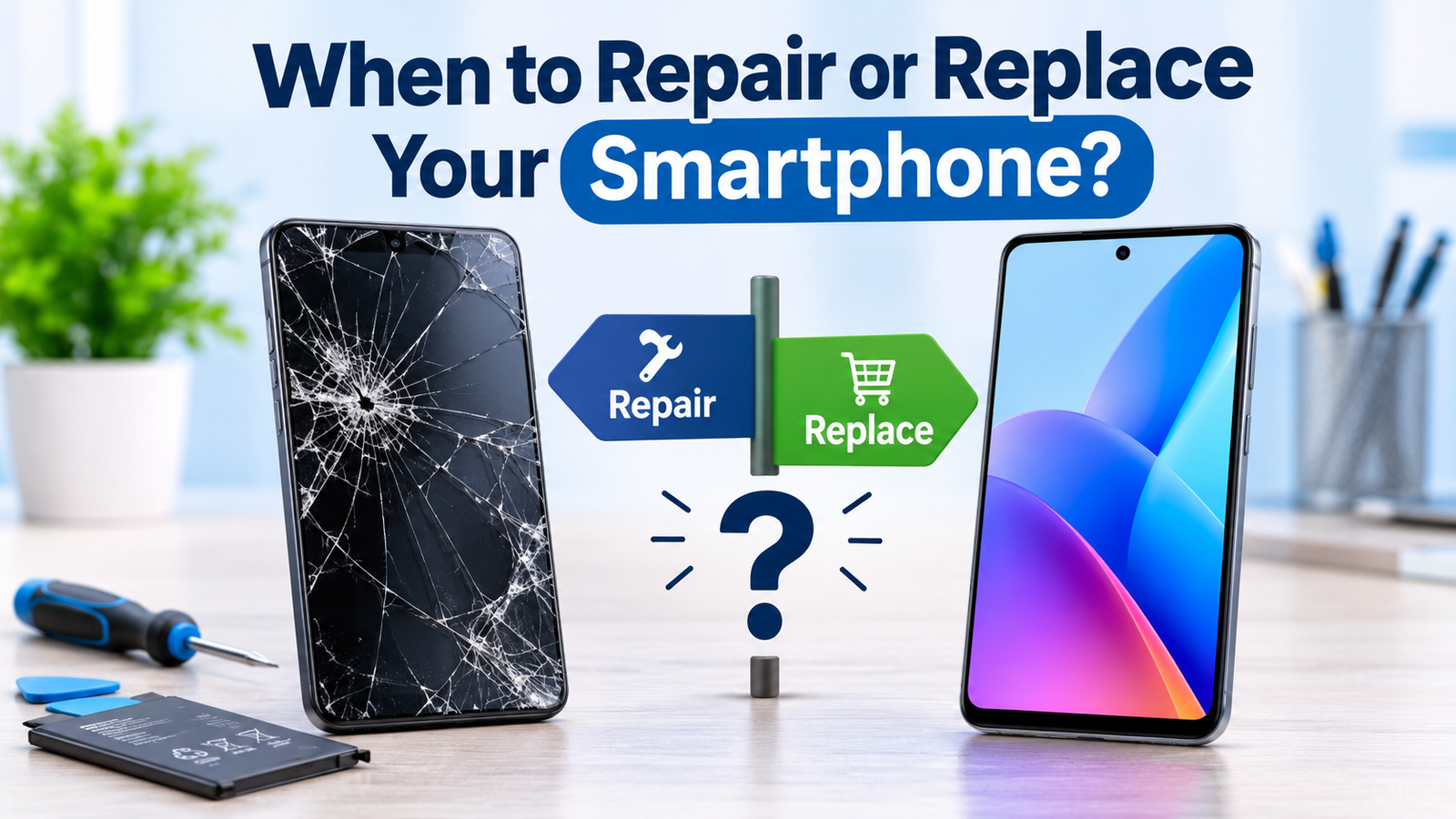
Mobile Repair
Mobile Repair
Smartphones have become an essential part of everyday life. From online payments and business…
Read More

Mobile Repairing Shop
Your smartphone is more than just a device. It stores important contacts, business conversations,…
Read More