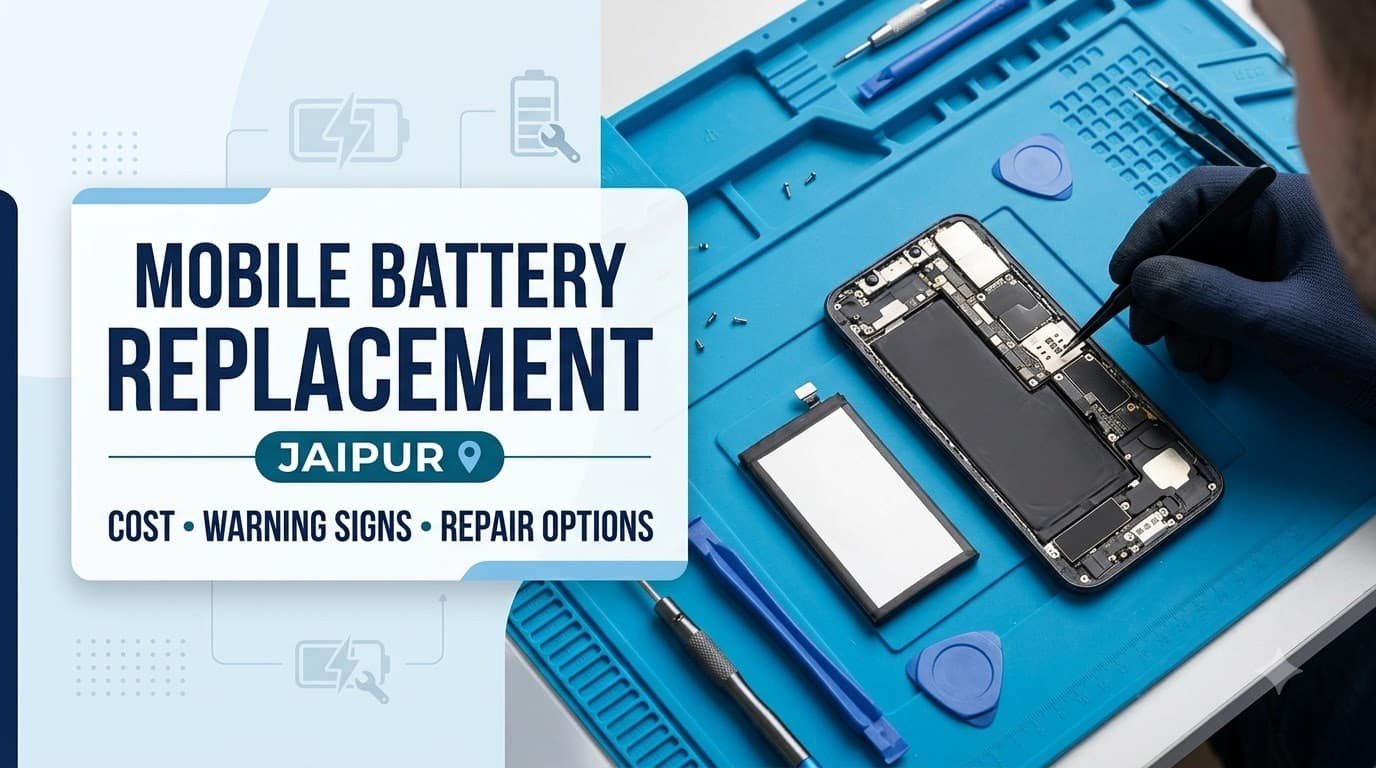
A smartphone battery plays a crucial role in the performance and reliability of your…
Read More


Few smartphone problems are more worrying than pressing the power button and getting absolutely nothing.
No logo. No vibration. No charging symbol. Just a completely black screen.
If your phone suddenly stops working, it is natural to assume that the motherboard is damaged or that you need to replace the entire device. In reality, a phone that won’t turn on can have several different causes. Sometimes the issue is related to the battery or charger. In other cases, the problem may involve the display, charging port, software or internal hardware.
If you’re searching for Mobile Not Turning On Repair in Jaipur, the first step is to understand what actually happened to the phone.
At Galaxmial Predera, mobile power-related problems can be inspected based on the phone’s symptoms and condition before deciding what type of repair is required.
Why Is My Mobile Not Turning On?
A phone can stop turning on for many reasons.
The most common possibilities include:
- Completely discharged battery
- Faulty charger or charging cable
- Damaged charging port
- Battery failure
- Power-button problem
- Software crash
- Display failure
- Liquid damage
- Physical damage
- Charging circuit failure
- Motherboard or power-management problem
The important point is that a phone that won’t turn on does not automatically mean the motherboard has failed.
Proper diagnosis is necessary to identify the actual fault.
What Should You Do If Your Phone Won’t Turn On?
If your phone suddenly becomes unresponsive, don’t immediately open it or try random repair methods.
Start with a few safe checks.
1. Connect a Known-Working Charger
Use a compatible charger and cable and leave the phone connected for some time.
If the battery was completely drained, the phone may not immediately show a charging indicator.
2. Check the Charging Port
Look for visible dust, debris or physical damage.
Don’t insert pins, needles or other sharp metal objects into the charging port.
3. Try a Forced Restart
Different smartphone models use different button combinations for a forced restart. Use the method appropriate for your specific model.
4. Check for Physical Damage
Think about whether the phone was recently dropped, crushed or exposed to pressure.
5. Consider Recent Liquid Exposure
If the phone came into contact with water or another liquid, avoid repeatedly trying to power it on.
If these basic checks don’t work, professional inspection is the next sensible step.
Mobile Not Turning On Repair in Jaipur: Common Causes
Dead or Failed Battery
A completely discharged battery is one of the simplest explanations.
However, if the phone remains unresponsive even after being connected to a known-working charger, the battery itself could be damaged or severely degraded.
Battery-related symptoms may include:
- Phone suddenly switching off
- Very short battery life before failure
- Unexpected shutdowns
- No response after charging
- Battery percentage behaving unusually
If the battery has physically swollen, stop using the device and seek professional assistance.
Charging Port Damage
A damaged charging port can prevent the battery from receiving power.
This can happen because of:
- Frequent cable insertion
- Dust accumulation
- Physical impact
- Bent contacts
- Moisture
- Excessive force on the cable
If your phone stopped working after experiencing charging problems, the charging system should be inspected before assuming that the phone itself is completely dead.
You may also want to consider a professional mobile charging problem repair Jaipur service.
Faulty Charger or Cable
Sometimes the phone is perfectly fine.
The charger or cable may simply have failed.
This is why testing with another compatible charging setup is one of the first things worth doing.
If the phone responds with another charger, you may have found the problem without needing a phone repair.
Power Button Problem
A damaged power button can make a working phone appear to be dead.
If the button has become stuck, loose or unresponsive, the device may not respond when you attempt to turn it on.
A technician can inspect the button and its internal connection.
This is particularly relevant if the phone was dropped and stopped responding immediately afterward.
Software Crash or System Failure
Not every black screen is a hardware failure.
A smartphone can sometimes become unresponsive because of a software crash or operating-system problem.
You may notice that:
- The phone suddenly froze.
- The screen became black.
- The phone stopped responding to touch.
- The device repeatedly restarts.
- The phone gets stuck on its startup logo.
A forced restart may resolve some temporary software problems.
If the issue continues, professional software diagnosis may be appropriate.
The Phone Is On, But the Screen Is Black
This is an important distinction.
A phone may actually be running even though nothing appears on the display.
For example, you might hear:
- Notification sounds
- Incoming call sounds
- Vibration
- Charging sounds
If the phone appears to be responding but the screen remains completely black, the display or its internal connection could be the problem.
In this situation, replacing the battery may not solve anything.
This is why diagnosis matters before approving a repair.
Mobile Dead After a Drop
If your smartphone stopped working immediately after falling, physical damage becomes a strong possibility.
A drop can affect:
- Display
- Battery
- Charging connector
- Internal flex cables
- Power-management components
- Motherboard connections
The phone doesn’t necessarily need to show visible cracks for internal damage to exist.
If your phone is completely dead after an impact, professional mobile hardware repair Jaipur may be required.
Water-Damaged Phone Not Turning On
Liquid damage needs special attention.
If your phone was dropped into water, exposed to rain or had liquid spilled over it, don’t keep pressing the power button repeatedly.
Also avoid repeatedly connecting the charger to see if the phone works.
Liquid can affect electrical connections and internal components.
The correct repair approach depends on how much moisture entered the device and which components were affected.
For water-related failures, early inspection can be particularly important.
Can a Dead Mobile Be Repaired?
Yes, in many cases a phone that appears completely dead can be repaired.
However, there is no universal solution.
The repair depends on the actual cause.
| Possible Cause | Potential Solution |
|---|---|
| Fully discharged battery | Charging / battery assessment |
| Failed battery | Battery replacement |
| Damaged charging port | Port repair or replacement |
| Power button fault | Button or connection repair |
| Software crash | Software troubleshooting |
| Display failure | Display diagnosis/replacement |
| Liquid damage | Internal inspection and repair |
| Power circuit fault | Hardware-level diagnosis |
| Motherboard damage | Advanced repair assessment |
The final repair decision should be made only after inspecting the device.
Mobile Not Turning On Repair Cost in Jaipur
The cost of repairing a dead phone varies considerably.
There isn’t one fixed price because the repair can range from a simple battery replacement to complex motherboard-level work.
Factors that can influence the cost include:
- Phone brand
- Exact model
- Cause of failure
- Required replacement component
- Extent of physical damage
- Liquid exposure
- Availability of parts
- Level of hardware repair required
A phone that simply has a failed battery can have a very different repair cost from a device with serious motherboard damage.
For this reason, an accurate estimate should be provided after diagnosis.
How a Professional Technician Diagnoses a Dead Phone
When you bring a non-working phone to a repair shop, diagnosis should come before major repair work.
Step 1: External Inspection
The technician checks the device for cracks, dents, liquid indicators and other visible signs of damage.
Step 2: Charging Test
The charging setup and phone response are checked.
Step 3: Battery Assessment
The battery is evaluated to determine whether it is capable of accepting and delivering power.
Step 4: Power Button Check
The technician checks whether the power button is functioning correctly.
Step 5: Display Check
The phone is tested to determine whether the device is actually running despite having no visible display.
Step 6: Hardware Diagnosis
If basic checks don’t identify the issue, internal power and hardware components may require further testing.
Step 7: Repair Estimate
Once the likely fault is identified, the customer should receive information about the repair and expected cost before major work begins.
Mobile Not Turning On After Charging
Sometimes a phone appears dead after being connected to a charger.
There are several possible explanations.
The charger could be faulty, the charging port may not be making proper contact, or the battery may have a problem.
In other situations, the device may have developed a charging-circuit fault.
Try a different compatible cable and adapter first.
If there is still no response, professional diagnosis is recommended.
Phone Not Turning On After Software Update
A smartphone can occasionally experience problems during or after a software update.
If the device gets stuck on the logo, continuously restarts or becomes unresponsive, the issue may be software-related.
Don’t immediately assume that the motherboard is damaged.
A technician can determine whether the device has a software issue or whether hardware is also involved.
Phone Vibrates But Screen Doesn’t Turn On
This symptom can provide an important clue.
If the phone vibrates, produces notification sounds or responds to calls while the screen remains black, the device may actually be powered on.
The display system should then be investigated.
Possible causes can include:
- Display damage
- Display connector problem
- Screen failure
- Internal impact damage
A proper inspection can distinguish between a dead phone and a phone with a display problem.
Phone Turns On and Immediately Turns Off
A phone that starts but shuts down again may have a battery, software or hardware problem.
Possible causes include:
- Weak battery
- Battery connection issue
- Software crash
- Overheating
- Internal hardware failure
If the phone repeatedly switches on and off, avoid continuously forcing it to restart.
A professional assessment can help identify the underlying issue.
Common Mistakes to Avoid
Don’t Keep Pressing the Power Button
Repeatedly pressing the button won’t solve a hardware failure.
Don’t Use Random Chargers
Use a suitable and compatible charging setup.
Don’t Open the Phone Yourself
Modern smartphones contain delicate components, adhesives and compact connectors.
Opening the phone without appropriate tools can cause additional damage.
Don’t Put a Wet Phone on Charge
If liquid exposure is suspected, avoid charging the device until it has been professionally assessed.
Don’t Insert Metal Objects Into the Charging Port
Sharp objects can damage the port and internal contacts.
Don’t Assume It Is a Motherboard Problem
A black screen can have many causes.
Diagnosis should come first.
When Should You Visit a Mobile Repair Shop?
You should consider professional repair if:
- The phone doesn’t respond to charging.
- The phone doesn’t turn on after basic troubleshooting.
- It stopped working after a fall.
- It stopped working after liquid exposure.
- The power button isn’t responding.
- The phone vibrates but the screen stays black.
- The phone repeatedly restarts.
- The device becomes unusually hot.
- The battery appears swollen.
- The phone was working normally and suddenly became completely dead.
If you are searching for mobile not turning on repair Jaipur, don’t delay professional diagnosis when the phone contains important personal or business data.
How to Protect Your Data Before Repair
A dead phone may contain photographs, contacts, documents, messages and business information.
If the phone can still be accessed, maintain a current backup.
Before handing over the device, also:
- Explain exactly when the problem started.
- Mention any recent drop.
- Mention any liquid exposure.
- Explain whether the phone was charging normally before the failure.
- Tell the technician about previous repairs.
- Ask whether data preservation is possible before major repair work.
No repair provider should promise data recovery without examining the device.
Why Choose Galaxmial Predera for Mobile Repair in Jaipur?
Galaxmial Predera provides smartphone repair assistance in Jaipur for customers facing different hardware and software problems.
For a phone that won’t turn on, the important thing is to identify the actual cause before recommending a repair.
Customers can seek assistance for issues involving:
- Battery problems
- Charging problems
- Display failure
- Power-button issues
- Software problems
- Physical damage
- Water damage
- Hardware faults
- Advanced mobile repair requirements
The objective is straightforward: diagnose the problem, explain the available repair option and help the customer make an informed decision.
Mobile Not Turning On Repair in Jaipur: Expert Tips
If your phone suddenly becomes completely unresponsive, don’t panic.
Start with the basics. Test a compatible charger, check for obvious external damage and try the appropriate forced-restart procedure.
If there is still no response, stop experimenting with random repair methods.
A professional diagnosis can determine whether you’re dealing with a battery, charging port, display, software or internal hardware problem.
This can save you from replacing components that aren’t actually faulty.
Frequently Asked Questions
Why is my mobile not turning on?
A phone may not turn on because of a discharged or failed battery, charging problem, damaged power button, software crash, display failure, liquid damage or internal hardware fault.
Can a completely dead phone be repaired?
Yes, many dead phones can be repaired, depending on the cause and extent of the damage. A technician needs to inspect the device before determining whether repair is practical.
How much does dead mobile repair cost in Jaipur?
The cost depends on the phone model and the cause of the failure. Battery and charging repairs may cost differently from display or motherboard-level repairs.
My phone is charging but not turning on. What should I do?
Try a known-working compatible charger and cable and perform the appropriate forced restart for your model. If there is still no response, have the phone professionally diagnosed.
My phone fell down and now won’t turn on. Can it be repaired?
It may be repairable. A drop can damage the display, battery, connectors or internal hardware, so the device should be inspected to identify the affected component.
Can water damage make a phone completely dead?
Yes. Liquid can damage charging connections and internal electronic components. If the phone has been exposed to liquid, avoid repeatedly powering or charging it and seek professional inspection.
Conclusion
A smartphone that suddenly stops turning on can be stressful, but a black screen doesn’t automatically mean that the device is beyond repair.
The cause could be a failed battery, charging issue, power button, display, software problem, liquid damage or an internal hardware fault.
If you’re looking for Mobile Not Turning On Repair in Jaipur, the safest approach is to have the device properly diagnosed before replacing any component.
Galaxmial Predera can assist customers in Jaipur with smartphone hardware, battery, charging, display and software-related repair requirements.
Instead of immediately replacing your phone, get the actual problem identified first. A professional diagnosis can help you understand whether repair is practical and what solution your device actually needs.
Battery Replacement Service
Battery Replacement Service
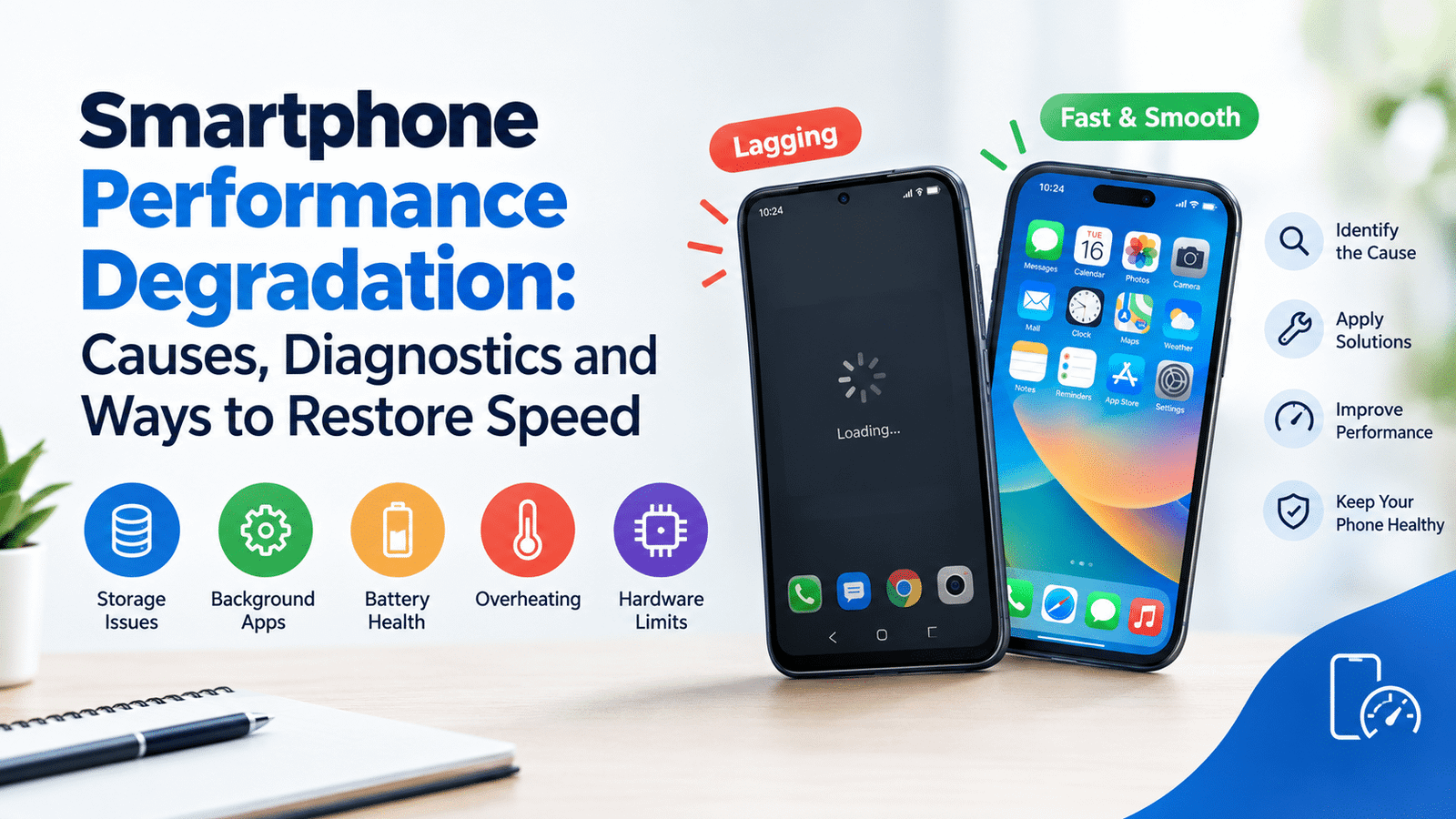
A smartphone that once opened apps instantly may gradually start responding more slowly,…
Read More
Android VS IPhone repair
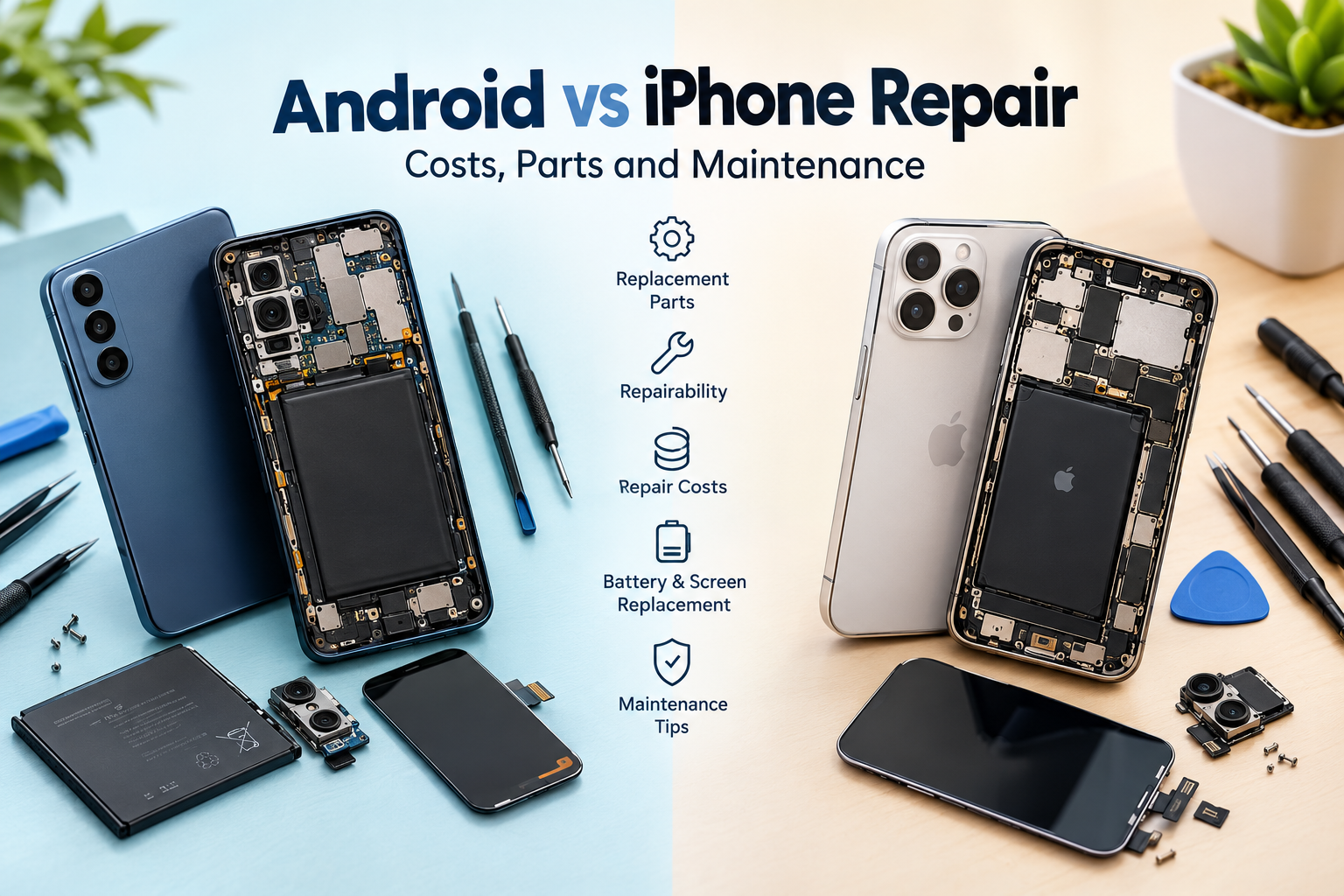
Introduction A damaged screen, a battery that drains too quickly, a faulty charging port,…
Read More